
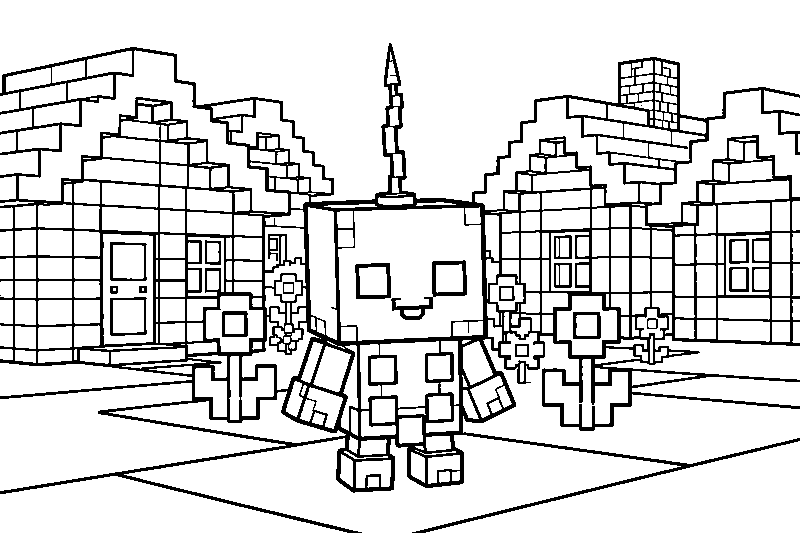
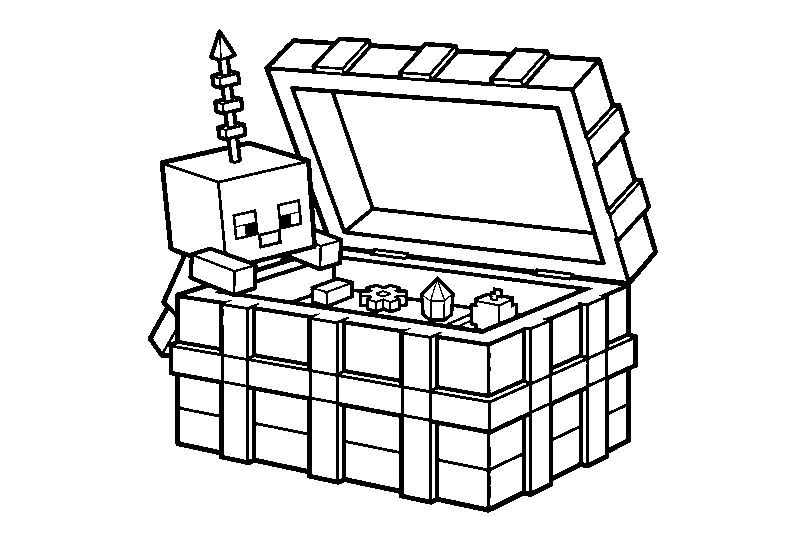
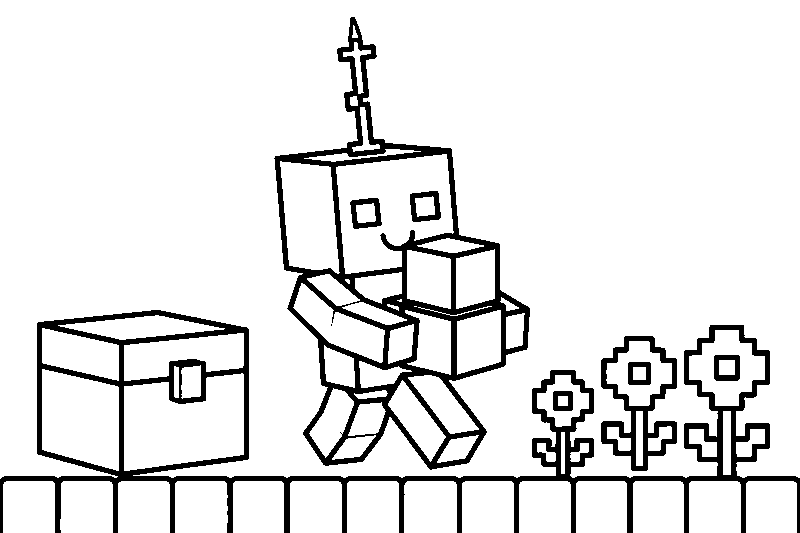
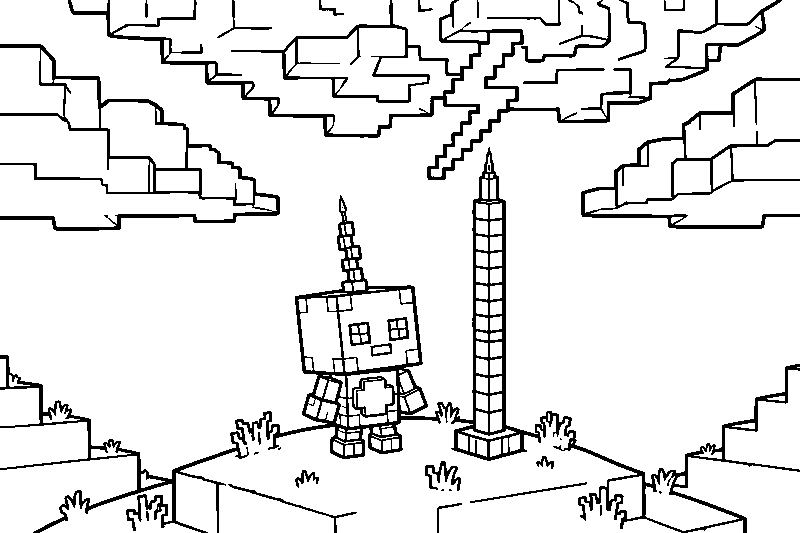
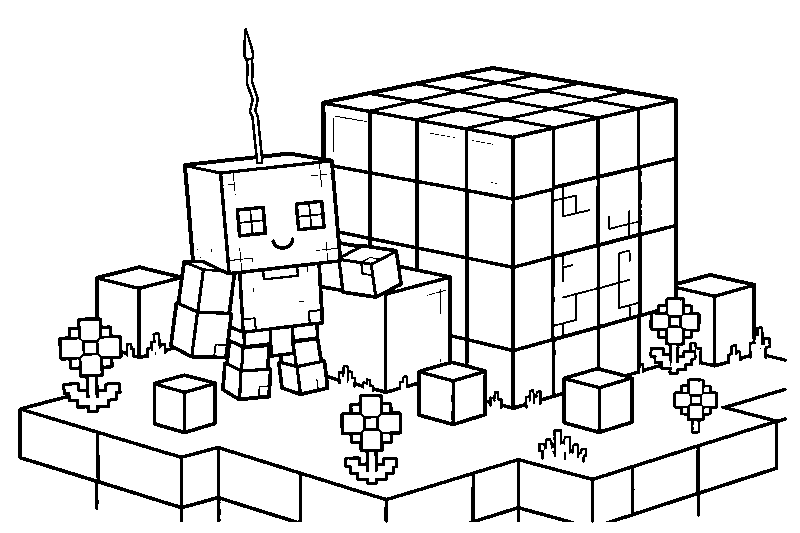
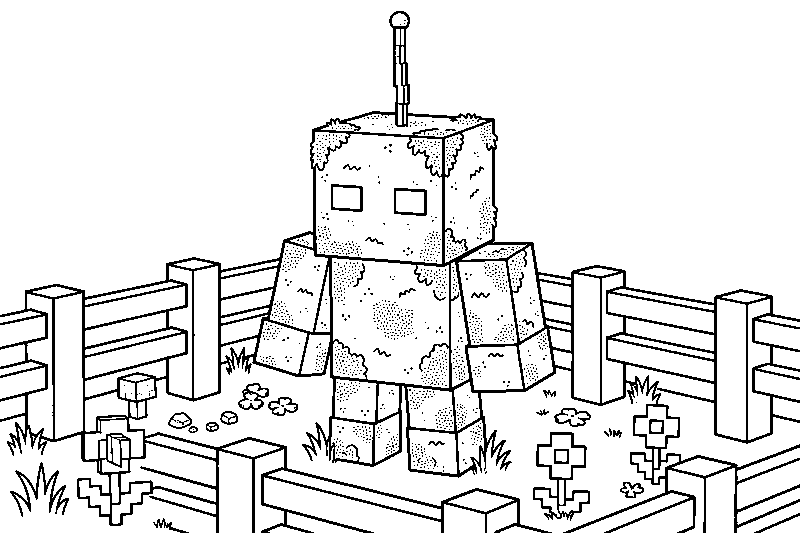
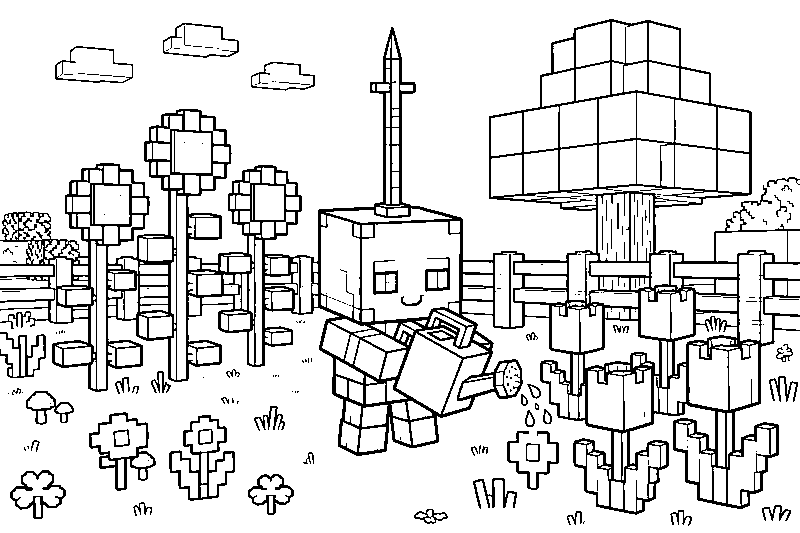
The helpful little copper golem is ready for your crayons. This page gives you 10 free Minecraft copper golem coloring pages to print at home. You get a golem standing in a village, a golem opening a chest, and a golem carrying a stack of blocks. You also get a golem next to a lightning rod, a green oxidized golem, and a golem statue in a garden. Every picture has its own free PDF, so you can print one page or the whole set.
Pick your favorite golem scene below and tap the brown button under it to download the free PDF for that picture. Each PDF prints on one page, ready for crayons, markers or colored pencils.
Coloring Tips
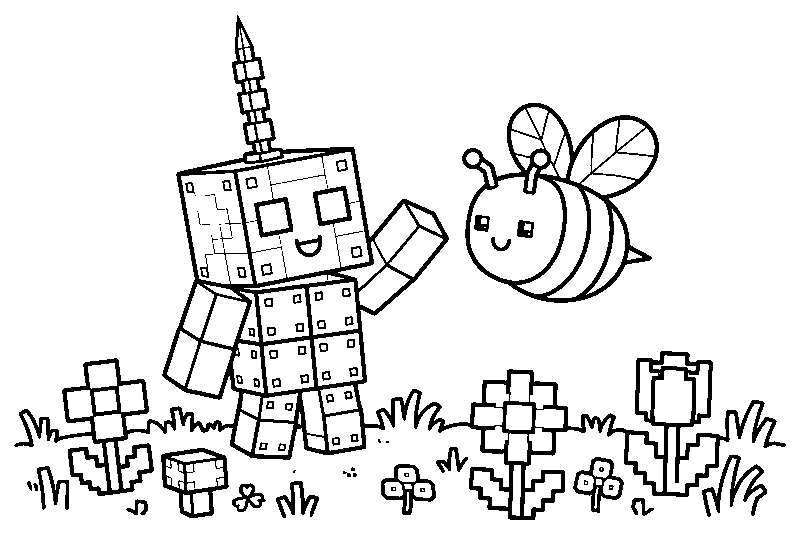
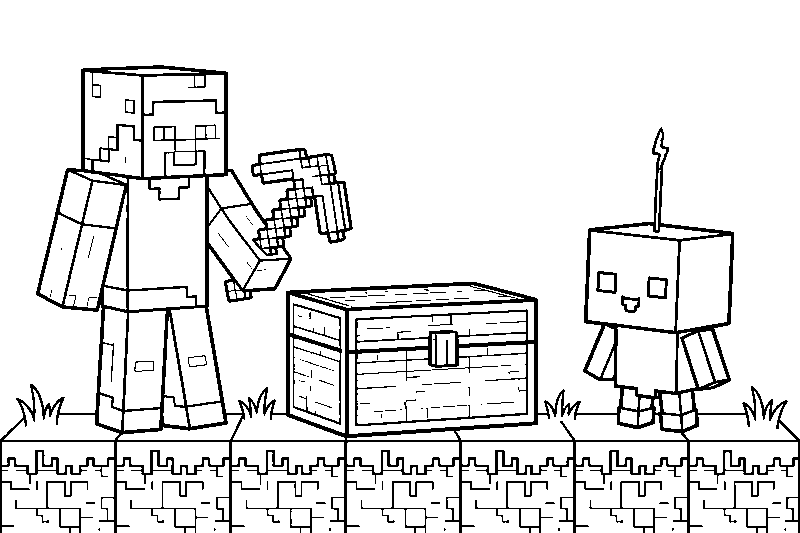
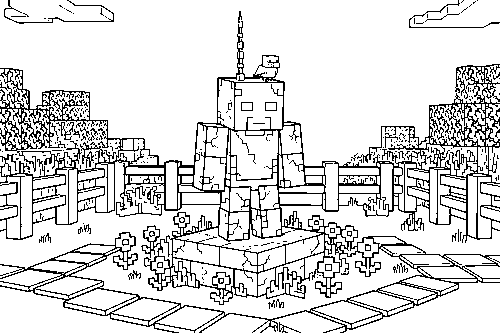
In the game a copper golem is orange-brown copper, so a bright copper orange is a good place to start. Its eyes are glowing yellow squares. The oxidized golem in picture 6 and the statue in picture 10 are green, so teal green works there. The chest in pictures 2 and 9 is brown wood, and the blocks inside the chest can be any bright colors you like. The bee in picture 7 is yellow with black stripes, and the flowers in picture 8 can be red, yellow or pink.
Frequently Asked Questions
How do you make a copper golem in Minecraft?
Place a block of copper, then put a carved pumpkin on top of it. The pumpkin must be placed last. The copper block turns into a copper chest, and the golem appears, like in picture 9.
What does a copper golem do?
A copper golem takes items out of copper chests and puts them into nearby wooden chests. It sorts your things for you, like in pictures 2 and 3.
Why does my copper golem turn green?
A copper golem that is not waxed slowly turns green over time. You can stop it by waxing it with honeycomb, and you can scrape the green off with an axe, like the golem in picture 6.
What happens when a copper golem turns fully green?
When a copper golem is fully green, it stops moving and becomes a statue, like in picture 10. If the statue is not waxed, you can use an axe on it to wake it back into a golem.
Is a copper golem dangerous?
No. A copper golem is completely peaceful and never attacks anyone. It just wanders around, opens doors, and sorts your chests.
Ready for More?
Print the whole set and follow the little golem from its build in the village to its statue in the garden. Start with the real game colors, a bright orange copper golem with yellow eyes. Then try a green or rainbow golem of your own, because on paper every color works.