

Add a little magic to your coloring time with the enchanting table! This special block lets Minecraft players give their swords, tools, and armor powerful enchantments. With its floating book, glowing runes, and shelves of books all around, it is one of the coolest things to color.
Click any Download PDF button for your free Minecraft enchanting table coloring sheet. Print on A4 or Letter paper and color with crayons, markers, or colored pencils.
10 Free Enchanting Table Coloring Pages
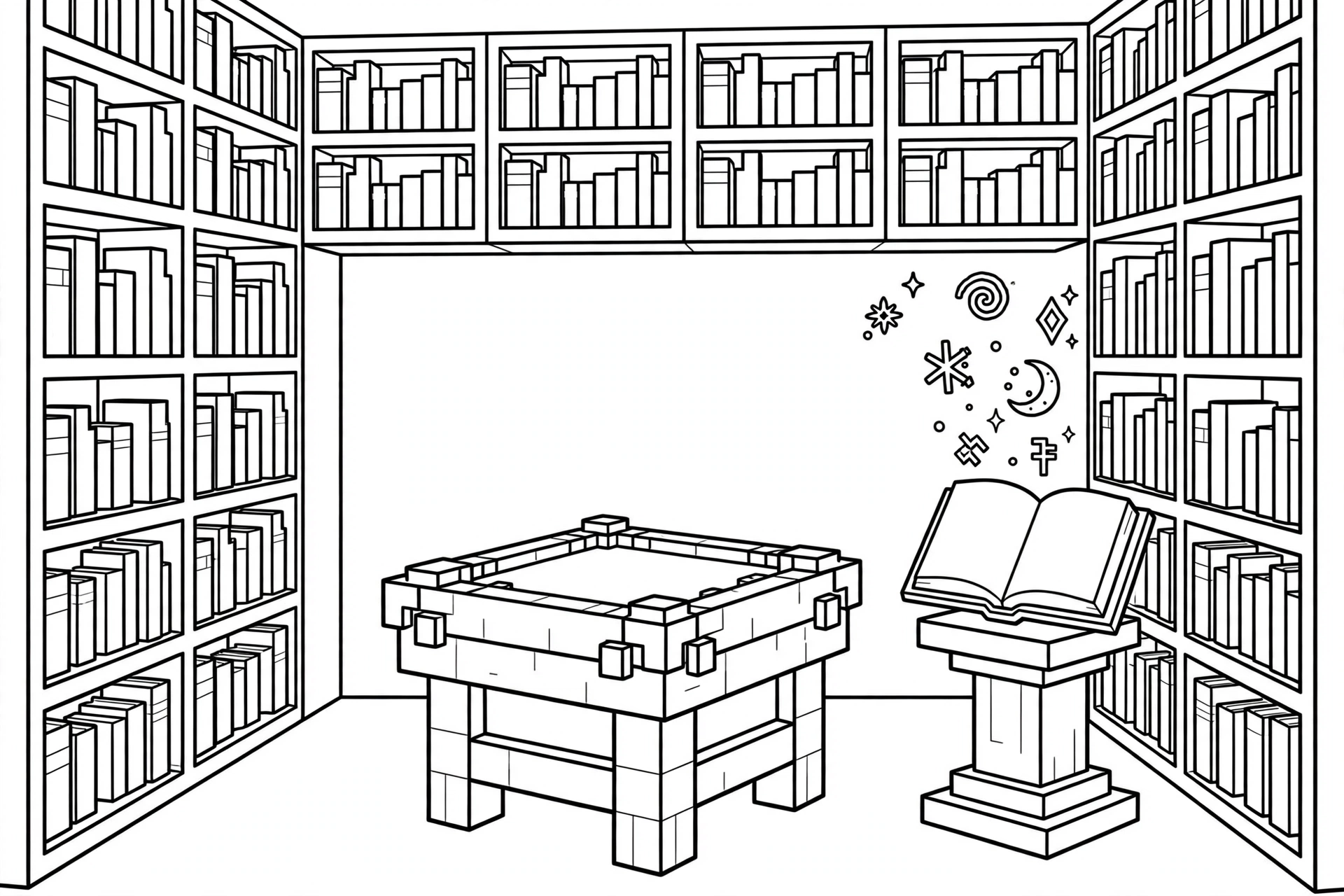
1. Enchanting Table with Bookshelves
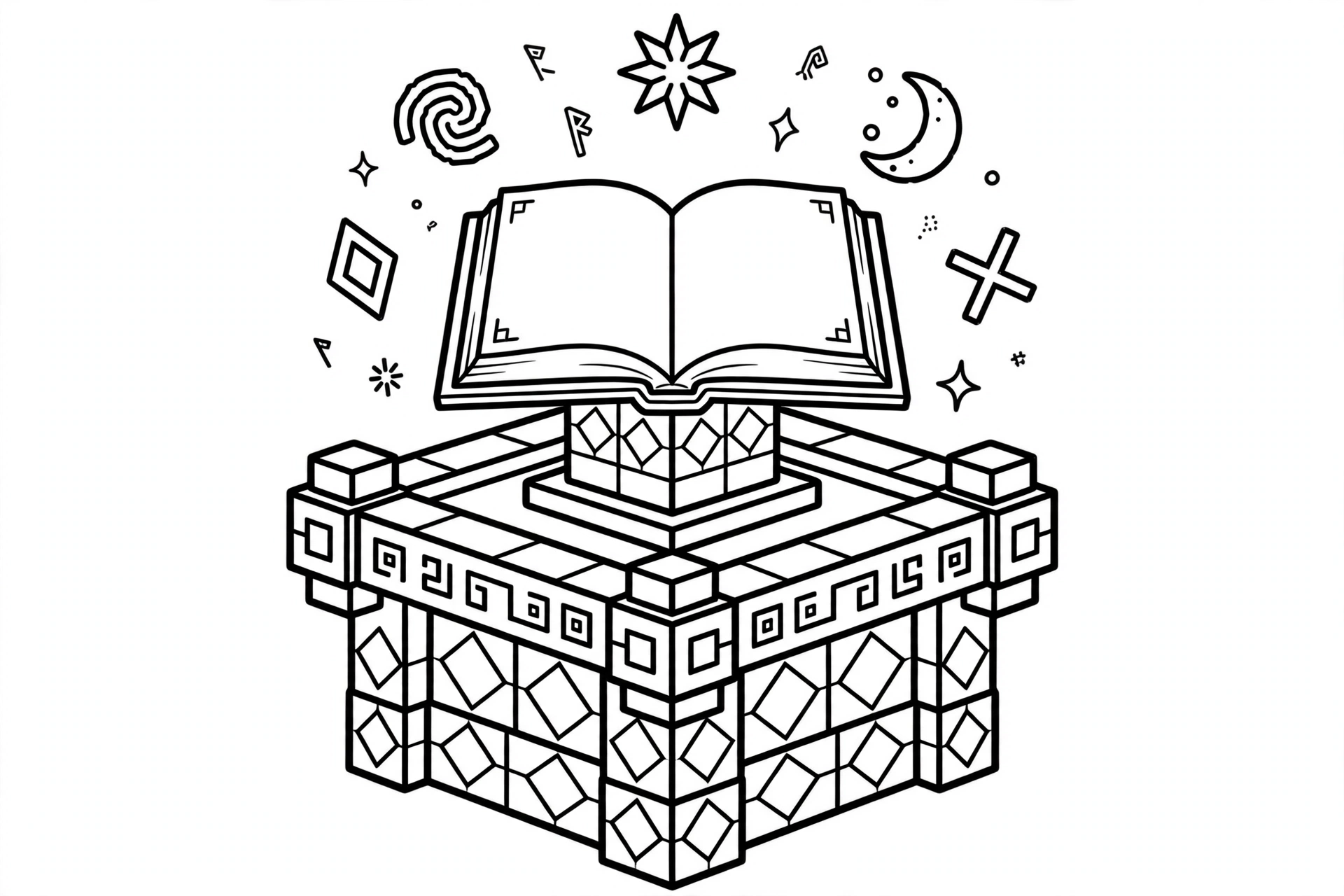
2. Enchanting Table Closeup
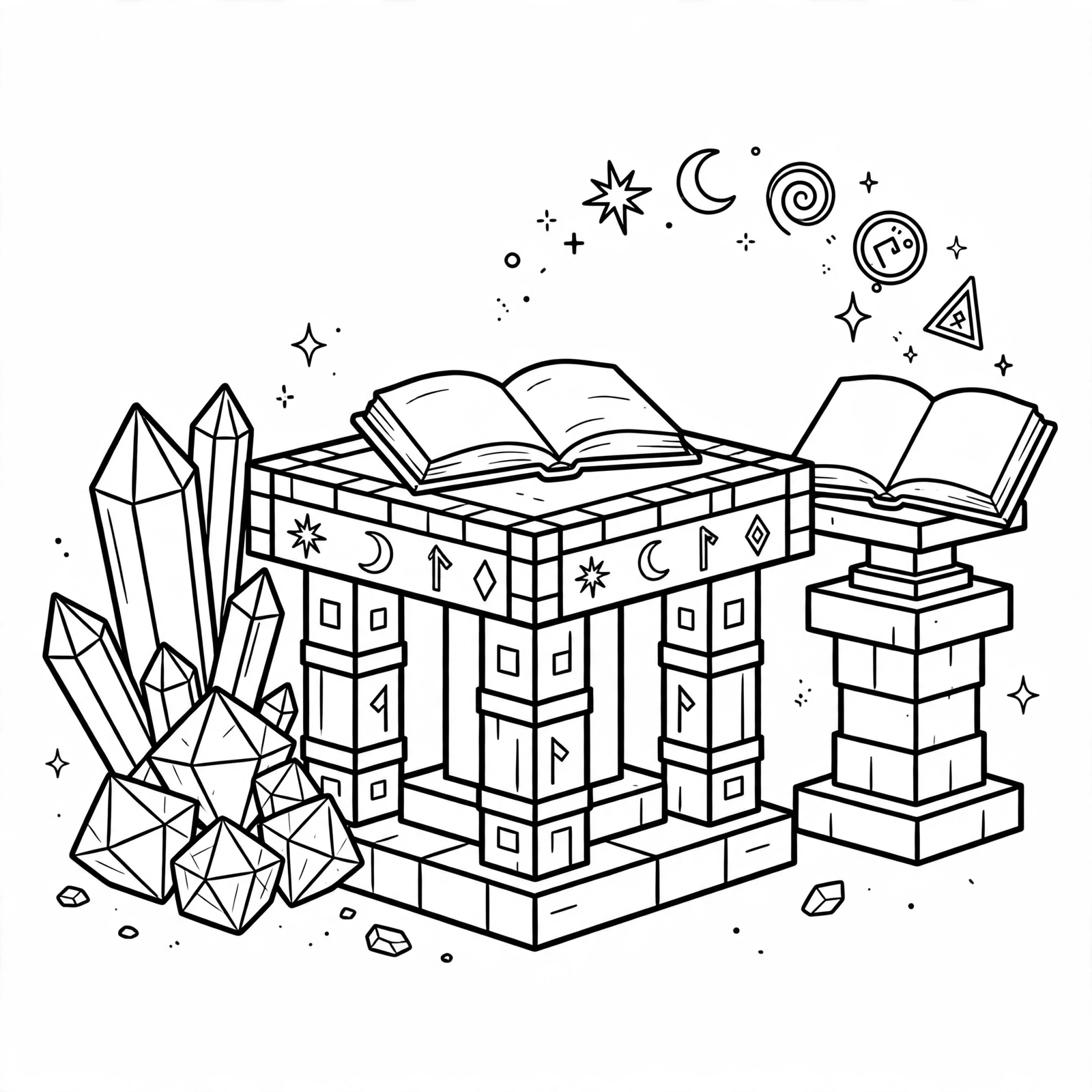
3. Enchanting Table with Lapis
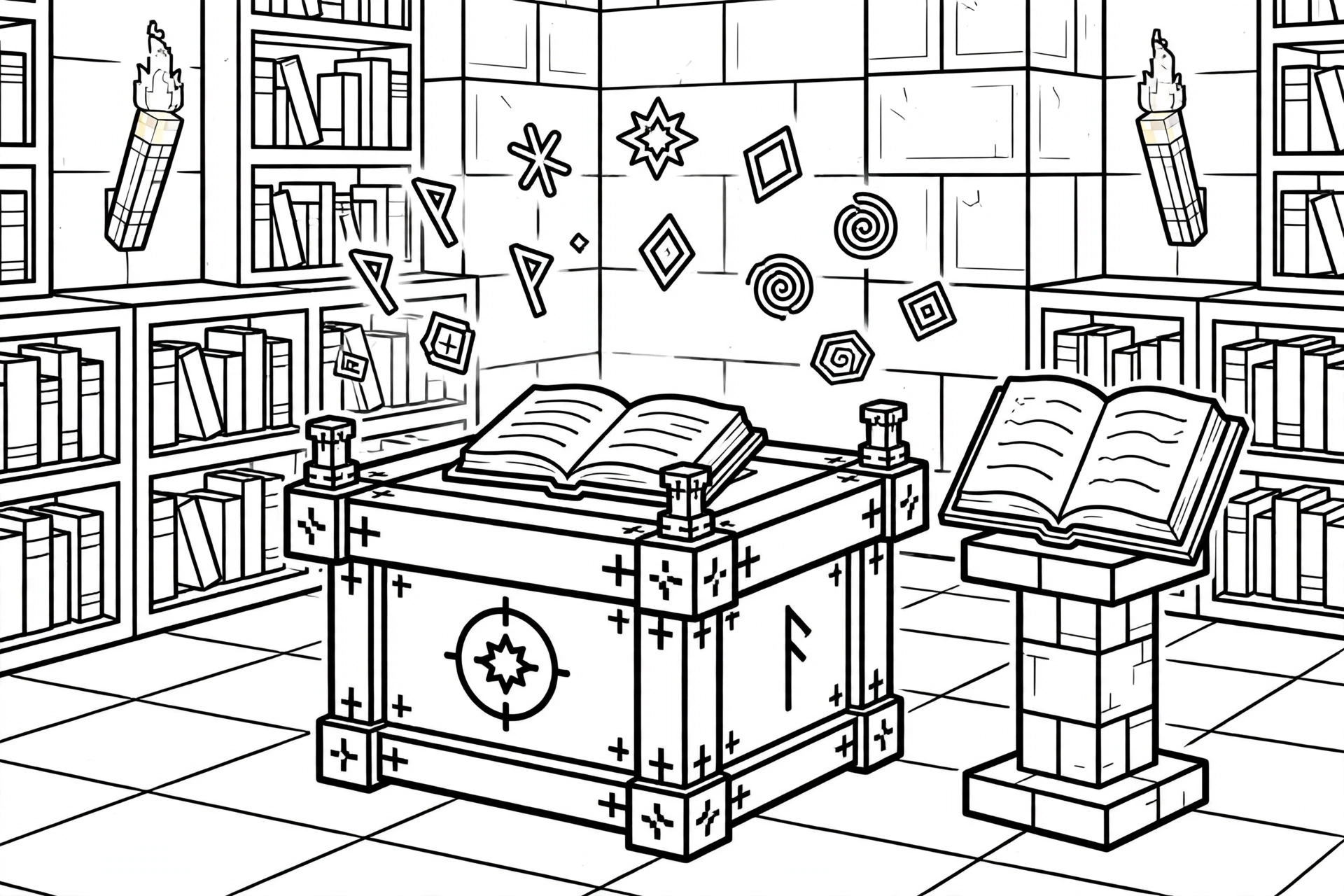
4. Enchanting Table in Library
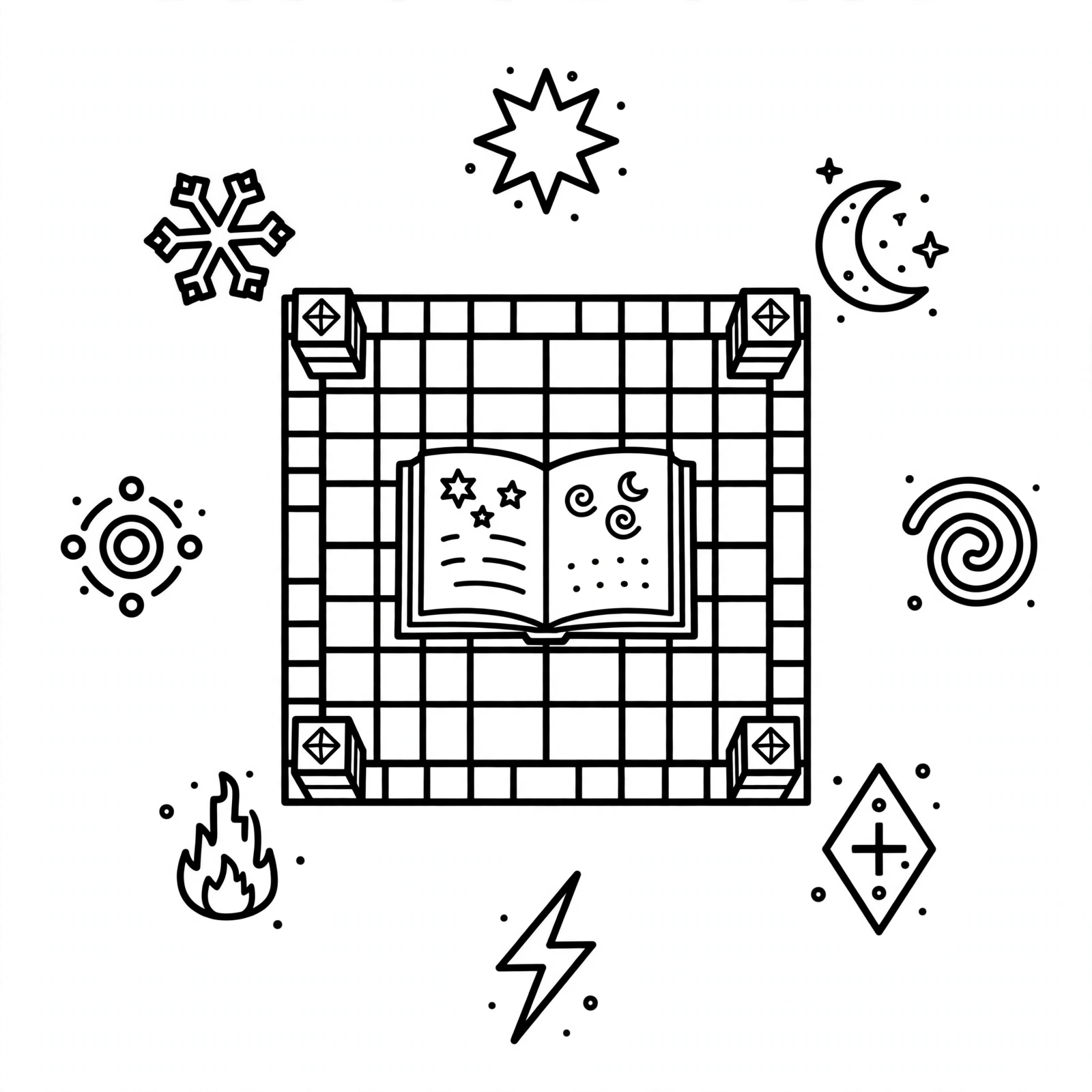
5. Enchanting Table Top View

6. Enchanting Table with Enchanted Sword

7. Enchanting Table with Runes
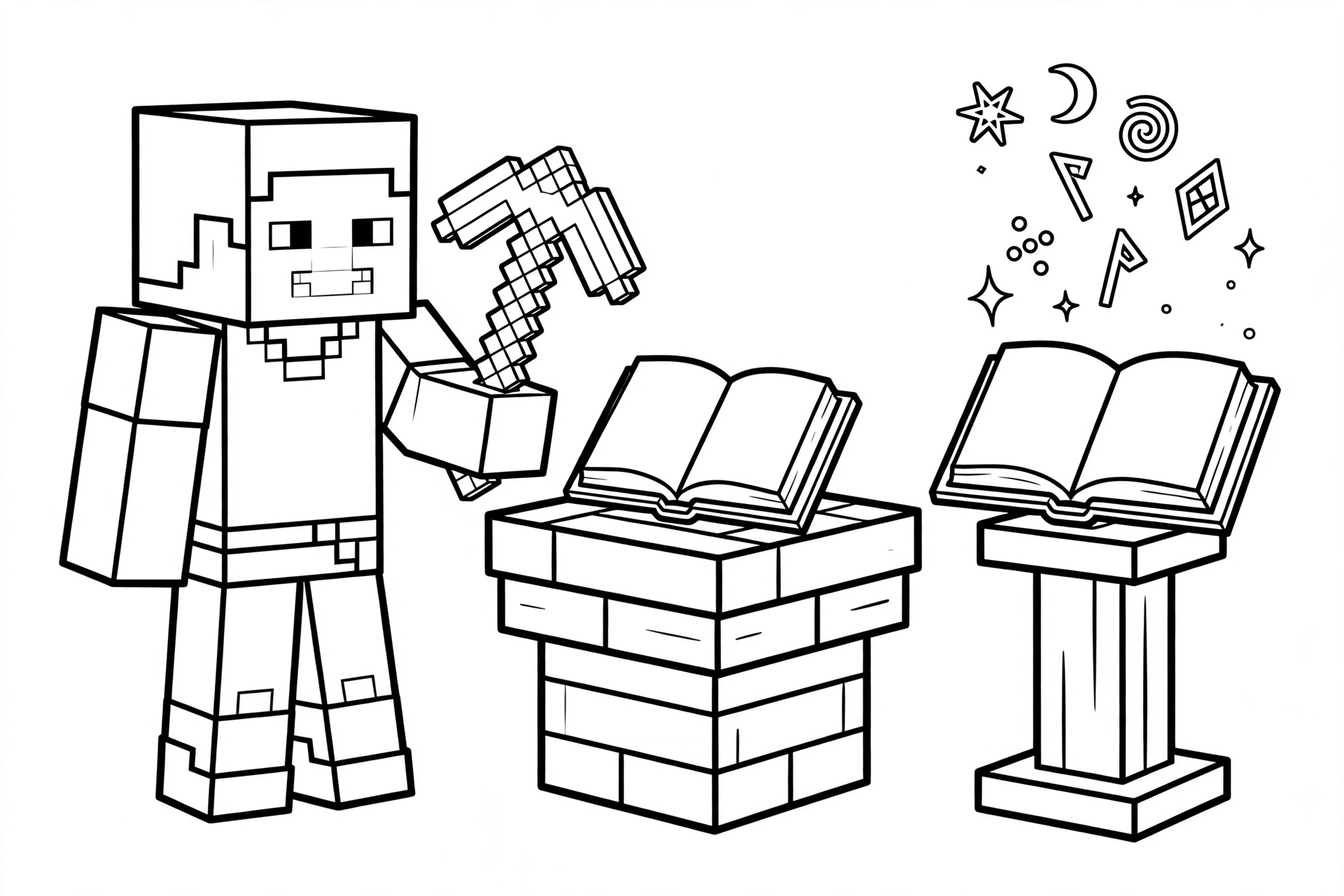
8. Enchanting Table with Player
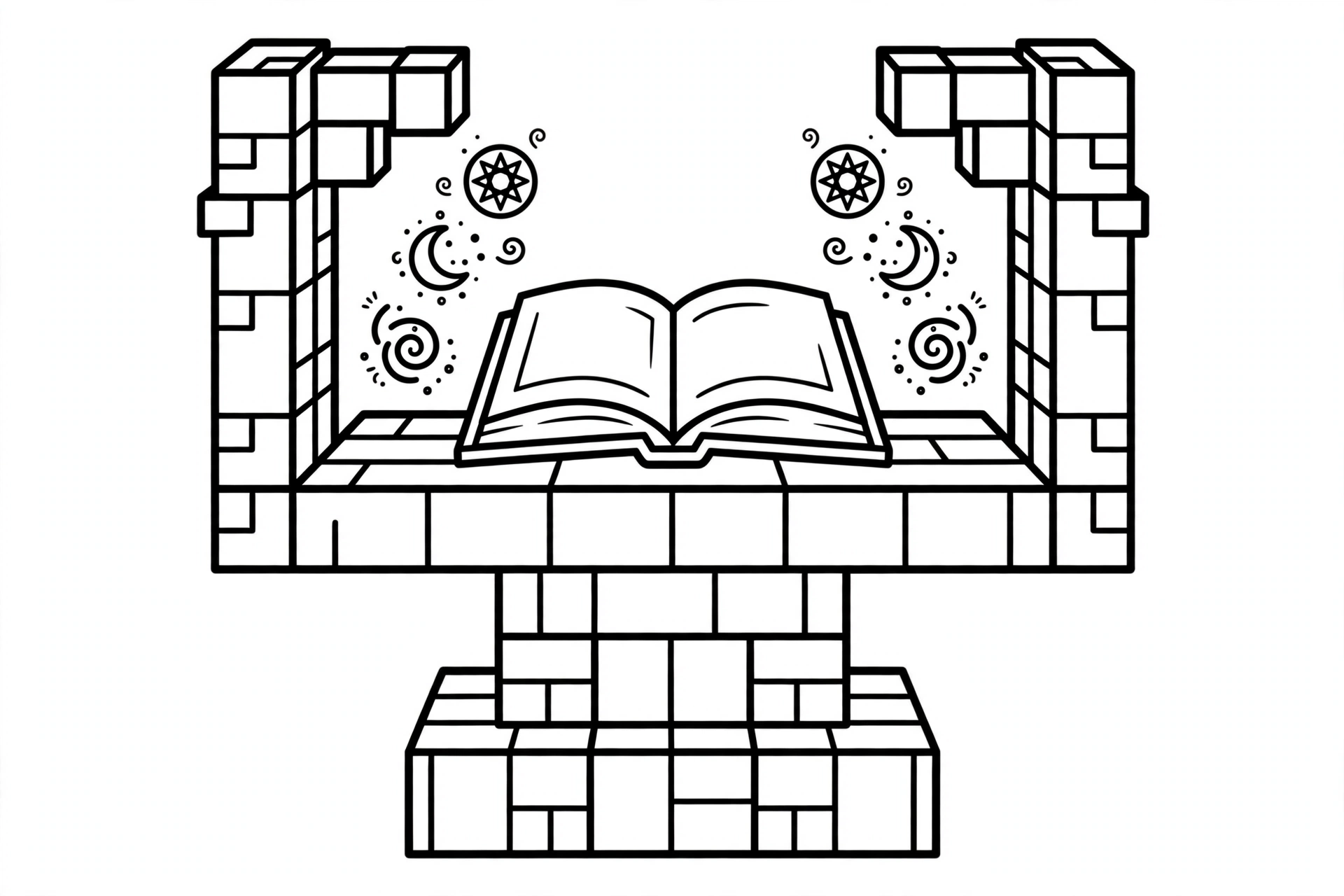
9. Enchanting Table Front View
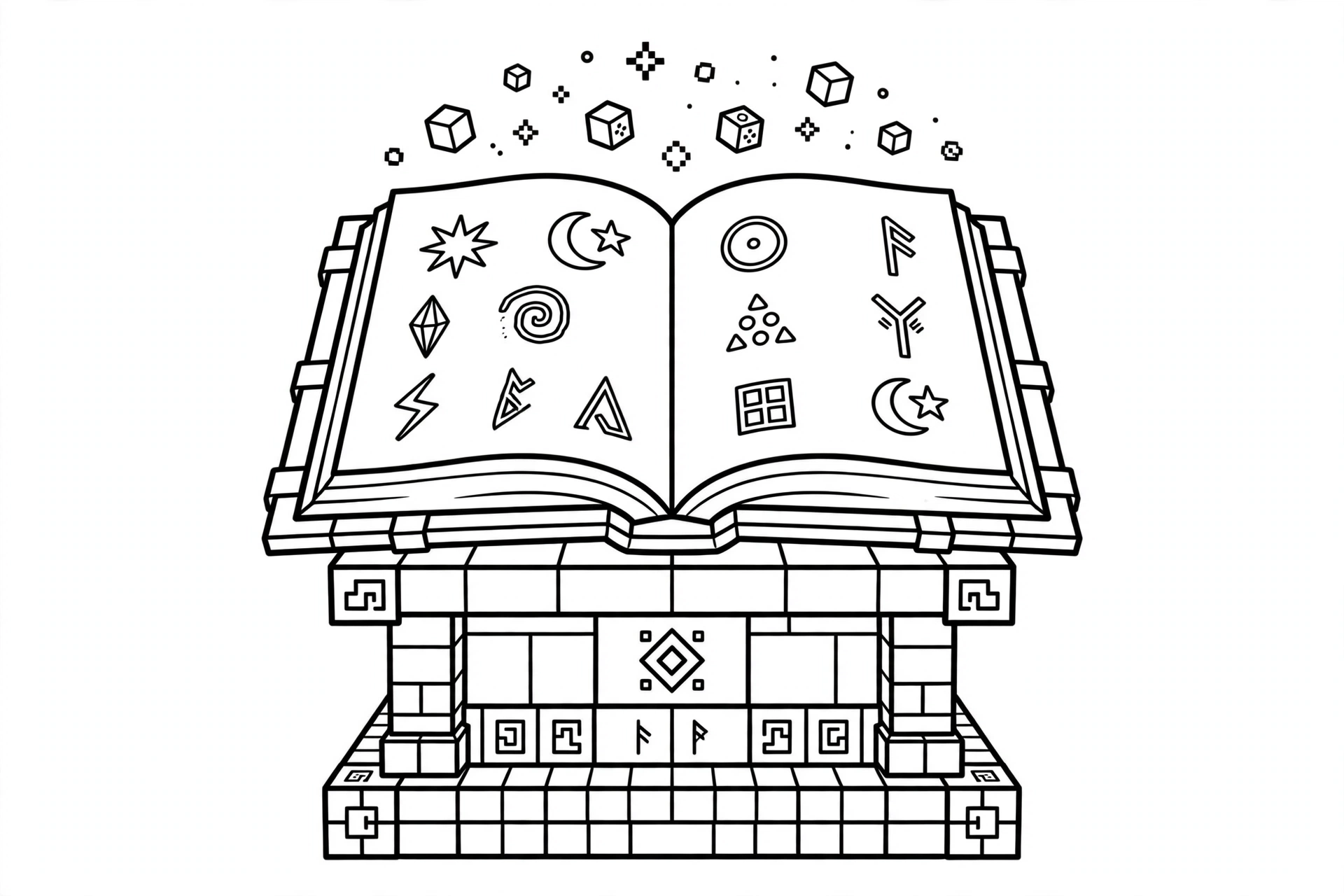
10. Enchanting Table Open Book
Frequently Asked Questions
What does an enchanting table do in Minecraft?
An enchanting table adds special powers, called enchantments, to your tools, weapons, and armor. Place an item and some lapis lazuli in the table, spend experience levels, and choose an enchantment like Sharpness for a sword or Protection for armor.
How do you make an enchanting table in Minecraft?
You need 4 obsidian, 2 diamonds, and 1 book. Put the book in the top center of the crafting grid, a diamond on each side of the middle row, and fill the bottom row plus the center with obsidian.
How do you enchant items in Minecraft?
Place your enchanting table and surround it with bookshelves to unlock stronger enchantments. Put lapis lazuli and the item you want to upgrade into the table, then pick one of the three enchantment options using your experience levels.
How do I download and print these coloring pages?
Click the Download PDF button under any image to get a free printable PDF of that coloring page. Save the file, print it on A4 or Letter paper, and start coloring.
Ready for more fun? Check out our Minecraft Coloring Pages for even more free printable coloring sheets.


